Counting Computers Surprising Stats You Can Guess


Quiz Complete!
Counting Computers: The Numbers Behind Everyday Tech
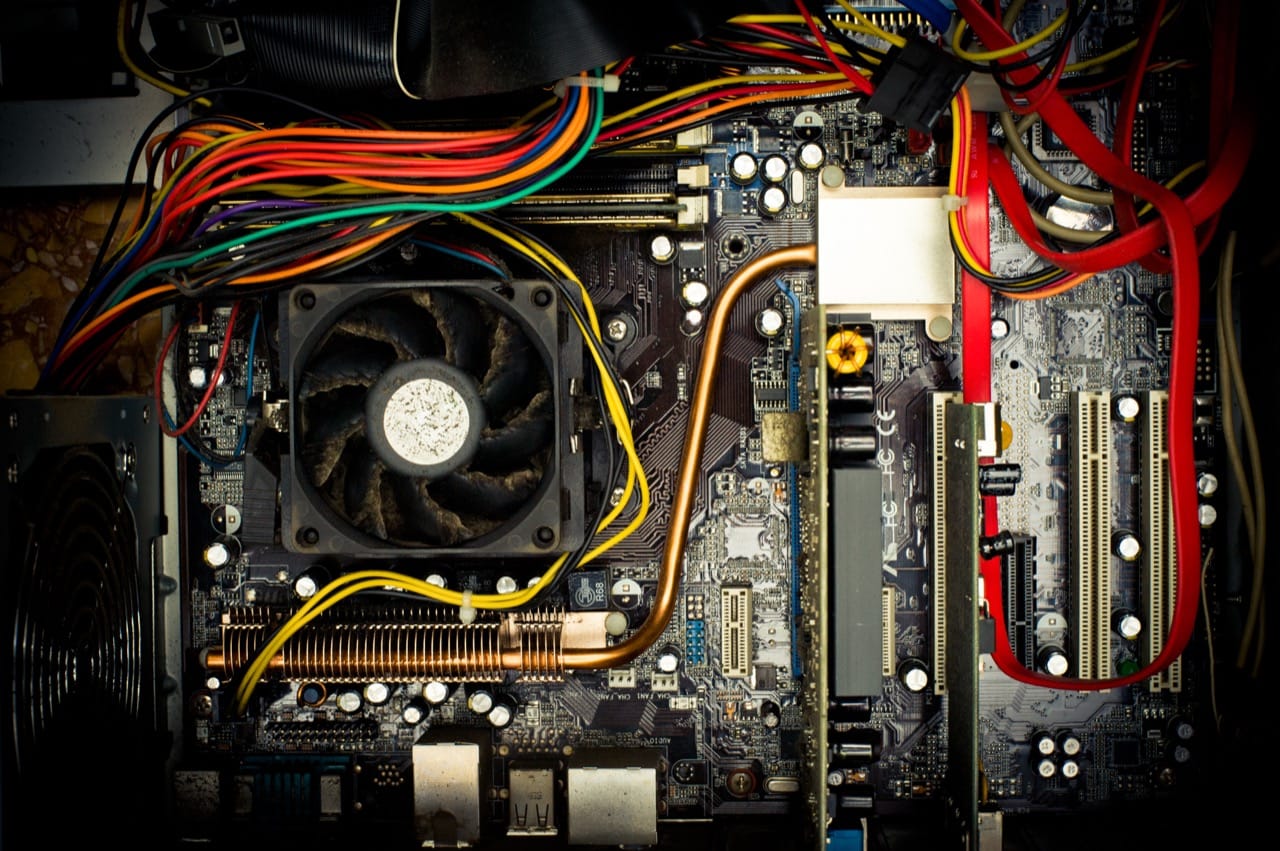
Computers can feel like magic, but they are built on counting. Nearly every familiar tech term is really a shortcut for a number: how many bits, how many cycles, how many pixels, how many bytes moved per second. Once you start translating the jargon back into quantities, you get a clearer sense of why devices behave the way they do and why a few extra zeros can change everything.
At the smallest scale is the bit, a single yes or no. Stack eight bits together and you get a byte, the basic unit for measuring data. That simple 8-to-1 relationship is why so many storage and memory sizes are multiples of eight. Text offers a good example: a plain English character in older encodings often fits in one byte, so a short message might be only a few dozen bytes. But modern text frequently uses Unicode, which can take more than one byte per character, especially for emojis and many non-Latin scripts. The same sentence can therefore have different sizes depending on how it is encoded.
Then come the prefixes, where confusion is practically a tradition. In everyday speech, a kilobyte sounds like 1,000 bytes, and in networking that decimal style is common: kilobits per second, megabits per second, and gigabits per second often mean powers of 10. But inside many operating systems and memory chips, sizes historically followed powers of two. That is why you may see 1,024 bytes treated as a “kilobyte” in some contexts. To reduce ambiguity, the terms kibibyte, mebibyte, and gibibyte were created for 1,024, 1,048,576, and 1,073,741,824 bytes. Storage manufacturers often label drives using decimal units, while your computer may report using binary-style units, making a new drive look smaller than expected even though nothing is missing.
Processing speed is another numbers game. A CPU’s clock rate, measured in hertz, counts cycles per second. Modern processors run at billions of cycles per second, but that does not mean they complete one useful task per cycle. They may do more than one operation in a cycle, or they may stall waiting for data. That is why two chips with the same gigahertz rating can perform very differently. The real story involves cores, instruction efficiency, and how quickly the processor can fetch information from memory.
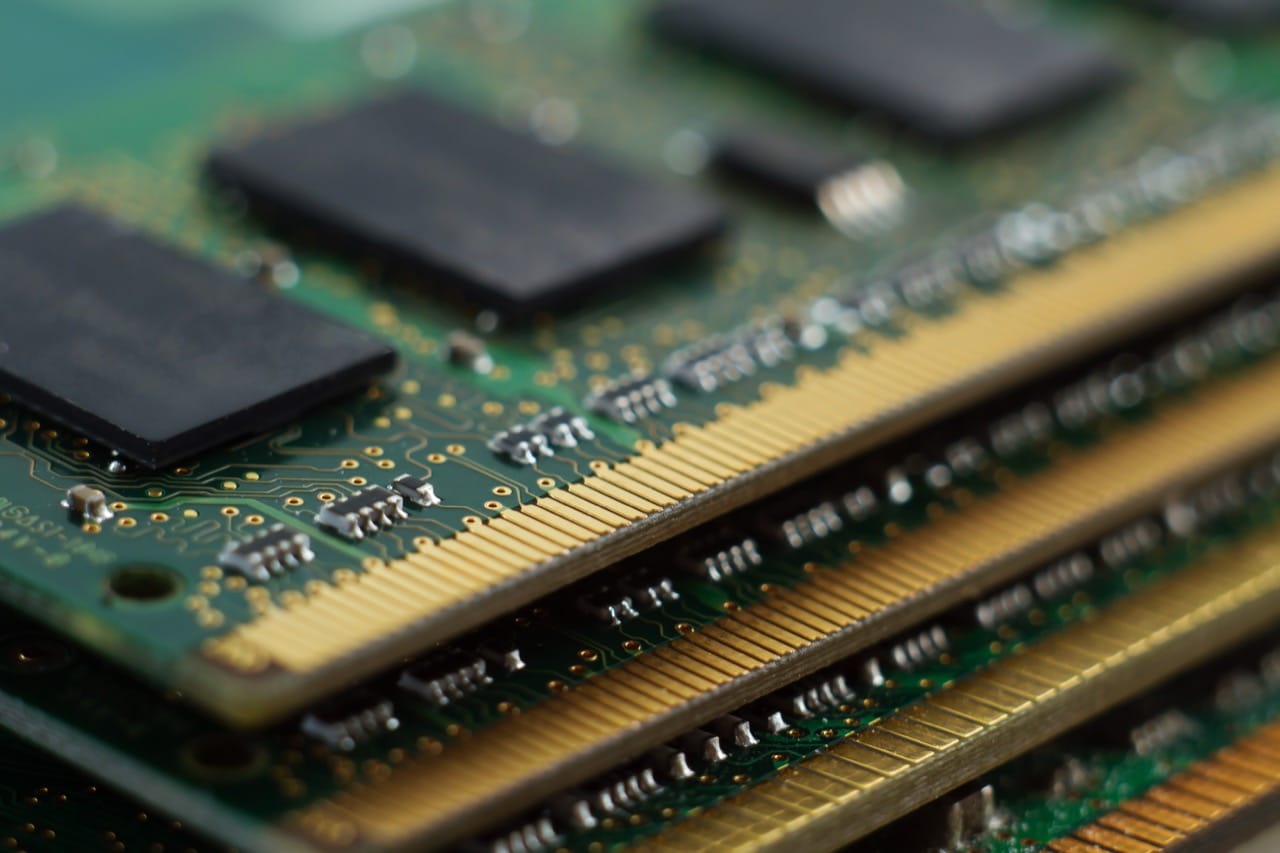
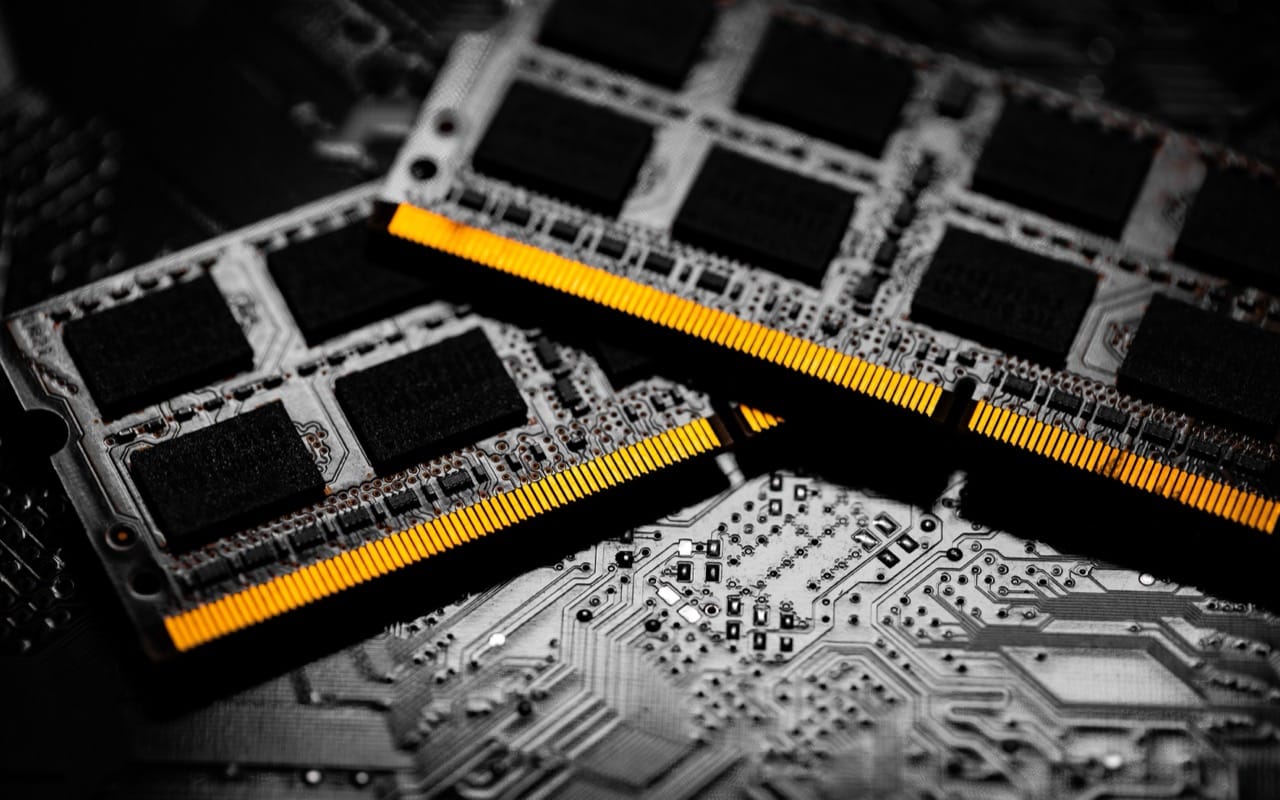
Memory and storage highlight the importance of scale. RAM is fast and temporary, designed for quick access, while storage is slower but persistent. The gap between them is why computers use caches, small pools of extremely fast memory that try to keep the most-needed data close to the CPU. When your device feels snappy, it is often because the right bytes happened to be in the right place at the right time.
Networks add their own twist: speed is usually advertised in bits per second, not bytes. A 100 megabits per second connection is, in ideal conditions, about 12.5 megabytes per second before overhead. Real transfers are lower because of protocol headers, signal conditions, and shared bandwidth. Latency matters too. A fast connection with high delay can still feel sluggish, especially for interactive tasks like video calls or online gaming.
Even screens are made of numbers. Resolution counts pixels, and pixel density determines how sharp text looks at a given distance. A higher refresh rate means the display updates more times per second, improving motion smoothness. Meanwhile, color depth describes how many distinct colors each pixel can represent, turning another simple count into a visible difference.
Finally, the famous “64-bit” label is also about counting. It refers to how much data a processor can handle in one go and how much memory it can address. In practical terms, 64-bit systems can work with vastly larger memory spaces than 32-bit systems, which is one reason modern operating systems and applications moved in that direction. Computing keeps advancing, but it still runs on the same idea: take something complex, reduce it to numbers, and keep track of the zeros.