Byte-Sized Brain Teaser Computer Science Trivia


Quiz Complete!
Behind the Loading Bar: Everyday Computer Science Trivia Explained
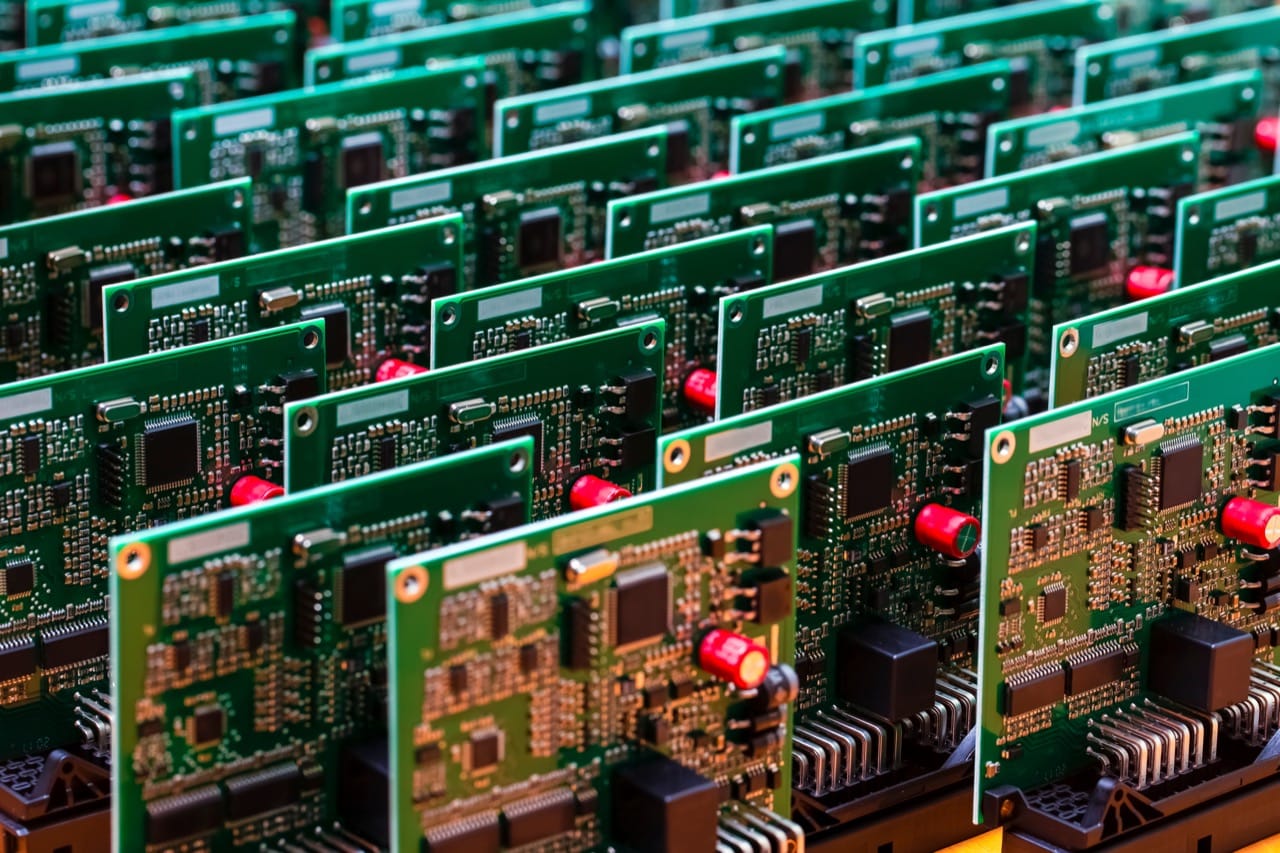
Computers feel magical because most of their real work is hidden. Under every tap and click is a stack of ideas that started as simple logic and grew into the modern internet and the devices in your pocket. At the deepest level, a computer is a machine for making tiny yes or no decisions. Those decisions are carried out by logic gates, which are built from transistors acting like microscopic switches. Combine a few gates and you can build adders that do arithmetic, comparators that decide which number is bigger, and memory cells that hold a bit. It is a big deal that everything, from photos to music to messages, can be represented as patterns of bits, because it means one machine can do many jobs just by changing the program.
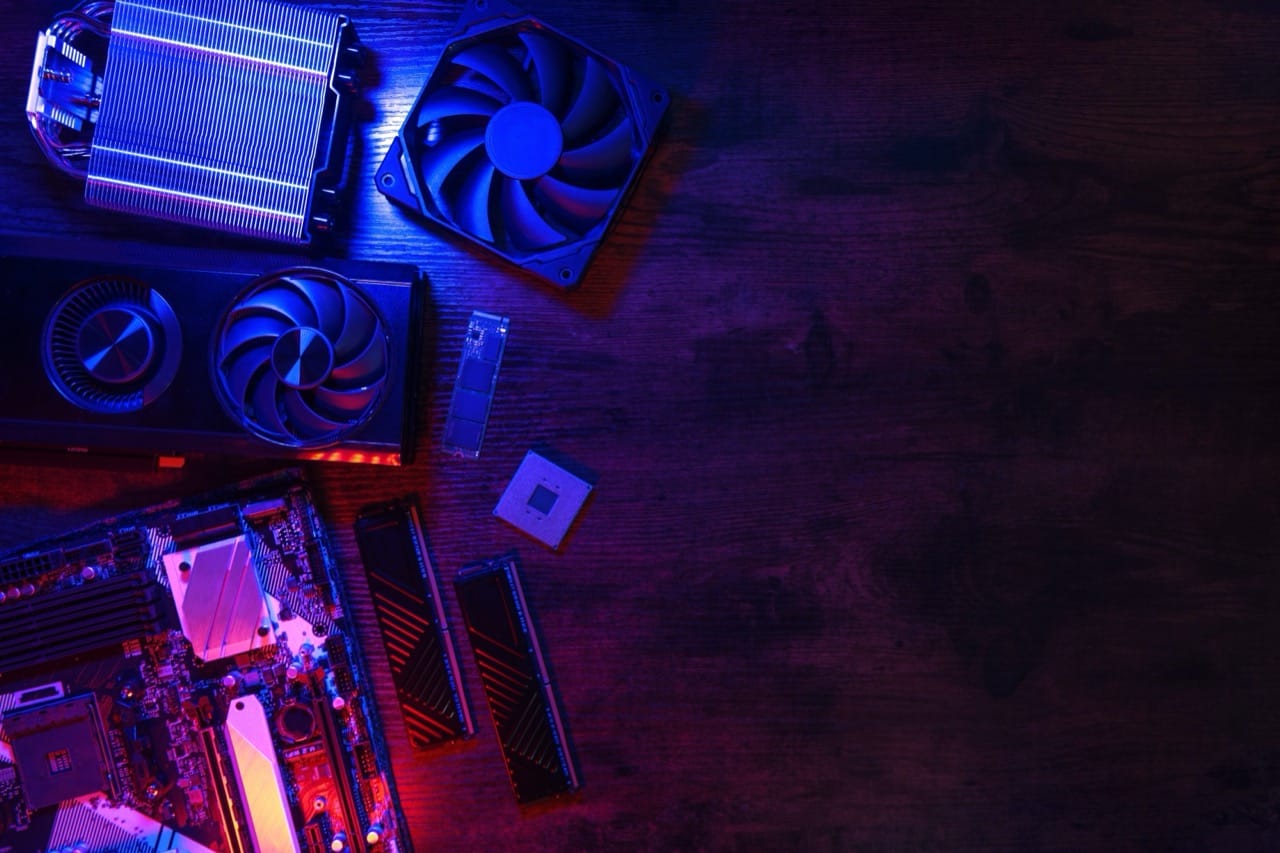
That program has to be managed, and that is where the operating system earns its keep. Your apps feel like they each have their own world, but they are sharing the same CPU, memory, storage, and network connection. The operating system schedules tasks, deciding who gets CPU time and for how long. When your computer freezes at the worst moment, it is often because something is waiting. Maybe a program is stuck in a loop, maybe it is waiting for a slow disk, or maybe it is blocked on a network request. Modern systems try to keep the interface responsive by separating work into processes and threads, and by using techniques like preemptive multitasking, where the OS can interrupt a running program to give others a turn.
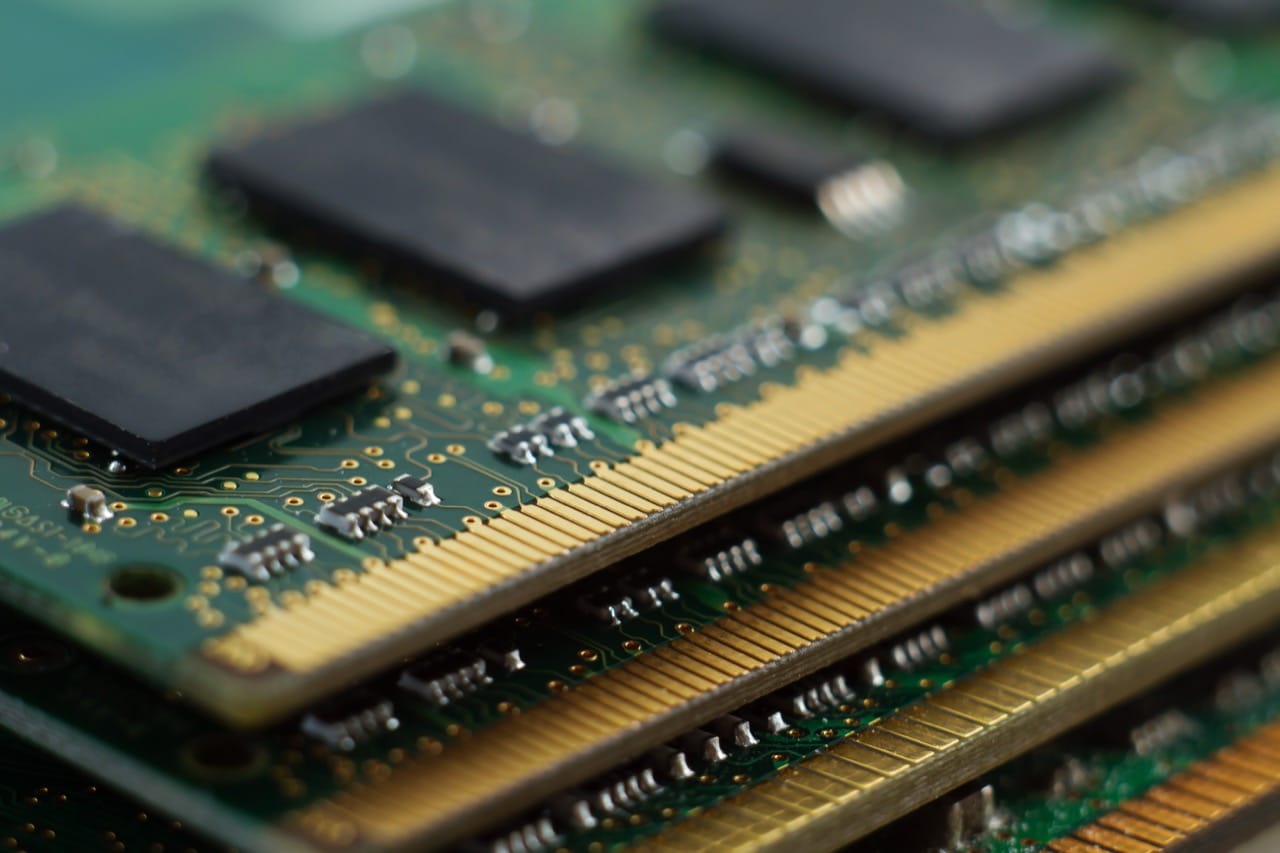
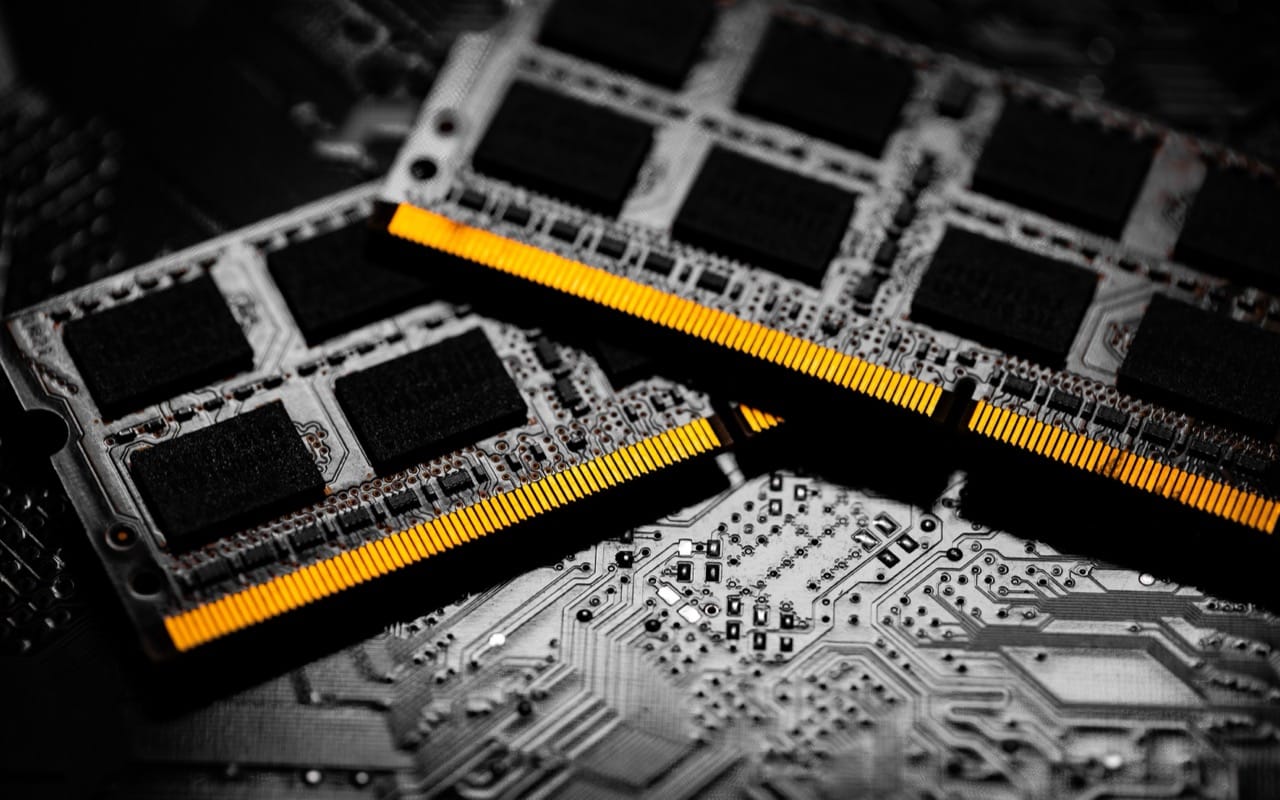
Memory adds another layer of trivia. RAM is fast but temporary, while storage like SSDs is slower but keeps data when power is off. To make things feel faster, computers lean heavily on caching, keeping recently used data close at hand. The CPU cache is tiny but extremely fast, and it can make the difference between a smooth experience and a sluggish one. Virtual memory is another clever trick: your system pretends it has more memory by moving rarely used data to disk. It works surprisingly well until it does not, and then you may see heavy swapping and dramatic slowdowns.
The internet is its own universe of standards that quietly cooperate. Data is broken into packets, each with addressing information so it can hop across routers. IP handles addressing and routing, while TCP focuses on reliability, making sure packets arrive and are reassembled in order. If you have ever wondered why a video call can keep going even with a few glitches, that is often UDP at work, trading perfect delivery for speed. DNS is the phone book of the internet, translating names you can remember into numeric IP addresses. Many odd-sounding numbers, like port 443 for HTTPS, exist because early designers needed a consistent way for many services to share one network connection.
Security trivia is full of practical lessons. Encryption protects data in transit so eavesdroppers cannot read it, and HTTPS is essentially HTTP wrapped in TLS encryption with identity checks. Passwords are not supposed to be stored as plain text; they should be hashed, ideally with a unique salt, so that even if a database leaks, attackers cannot instantly recover everyone’s credentials. Two-factor authentication helps because it requires more than something you know. Even so, the human element remains a favorite target: phishing works not by breaking encryption, but by convincing you to hand over the keys.
A lot of modern computing depends on standards you rarely notice. ASCII and Unicode decide how text becomes numbers, which is why emojis and accented letters require more than the original 7-bit alphabet. File formats, compression, and error-correcting codes keep data compact and resilient. The next time you watch a loading bar, remember that it is not just waiting. It is negotiating resources, moving packets, checking permissions, and turning billions of tiny on off decisions into something that feels effortless.